
Two photos · One orange studio
Hotel Lobby AI Video Generator
Put you and a friend in the orange booth. Upload one photo for each performer and create a 10-second duo performance with MiniMax H3.
Choose your two performers
One clear photo for each side. Show the face and outfit you want in the video.
JPG, PNG or WebP · up to 10 MB each · 256–5760 px per side · aspect ratio 0.4–2.5
Trend example. Your two photos guide your own result; identity, motion and audio will vary.
See the photos and more examplesTwo photos. A different duo.
Explore these Hotel Lobby trend examples and the photos paired with each performance. Use clear portraits with visible outfits for your own version.
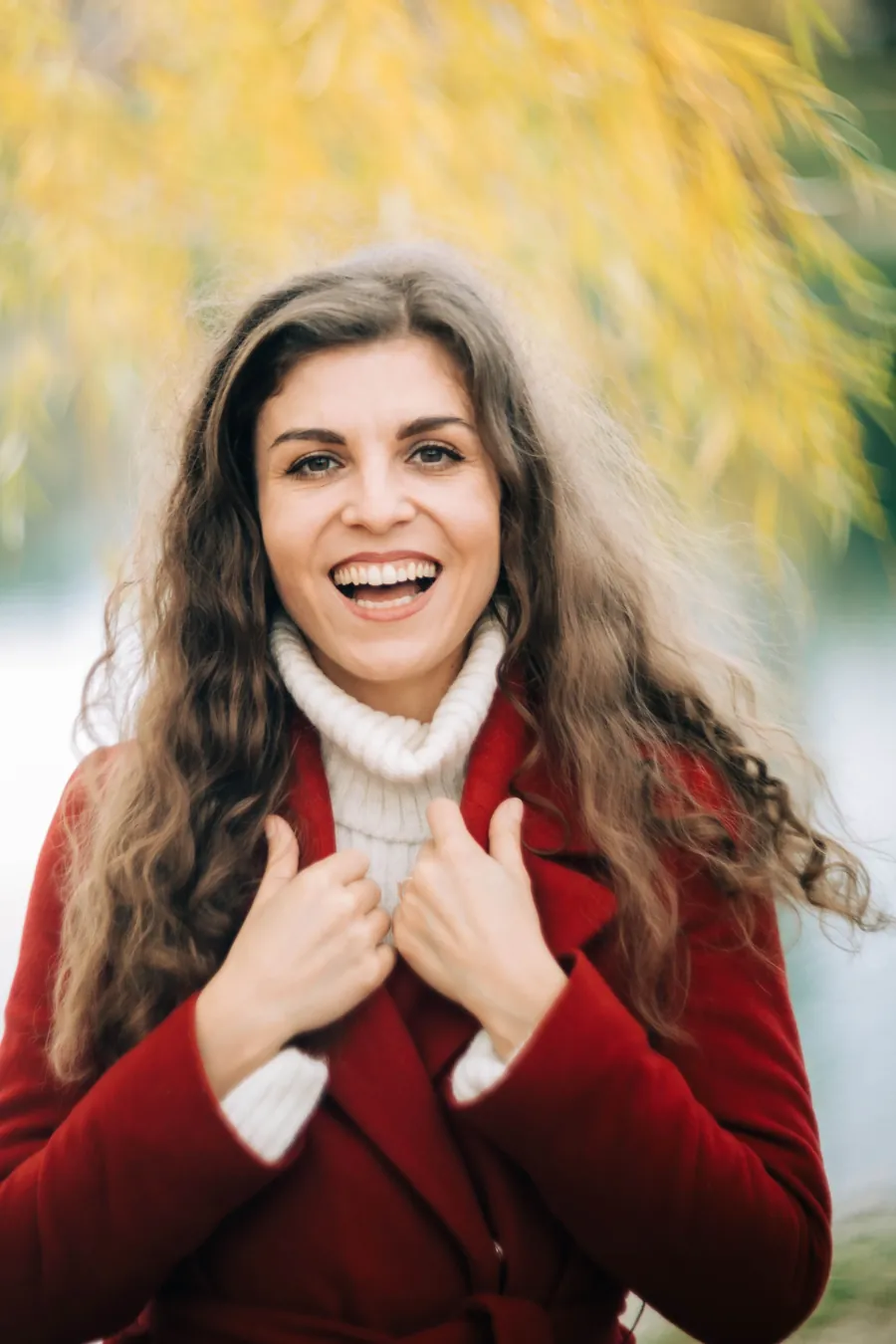
Left performer
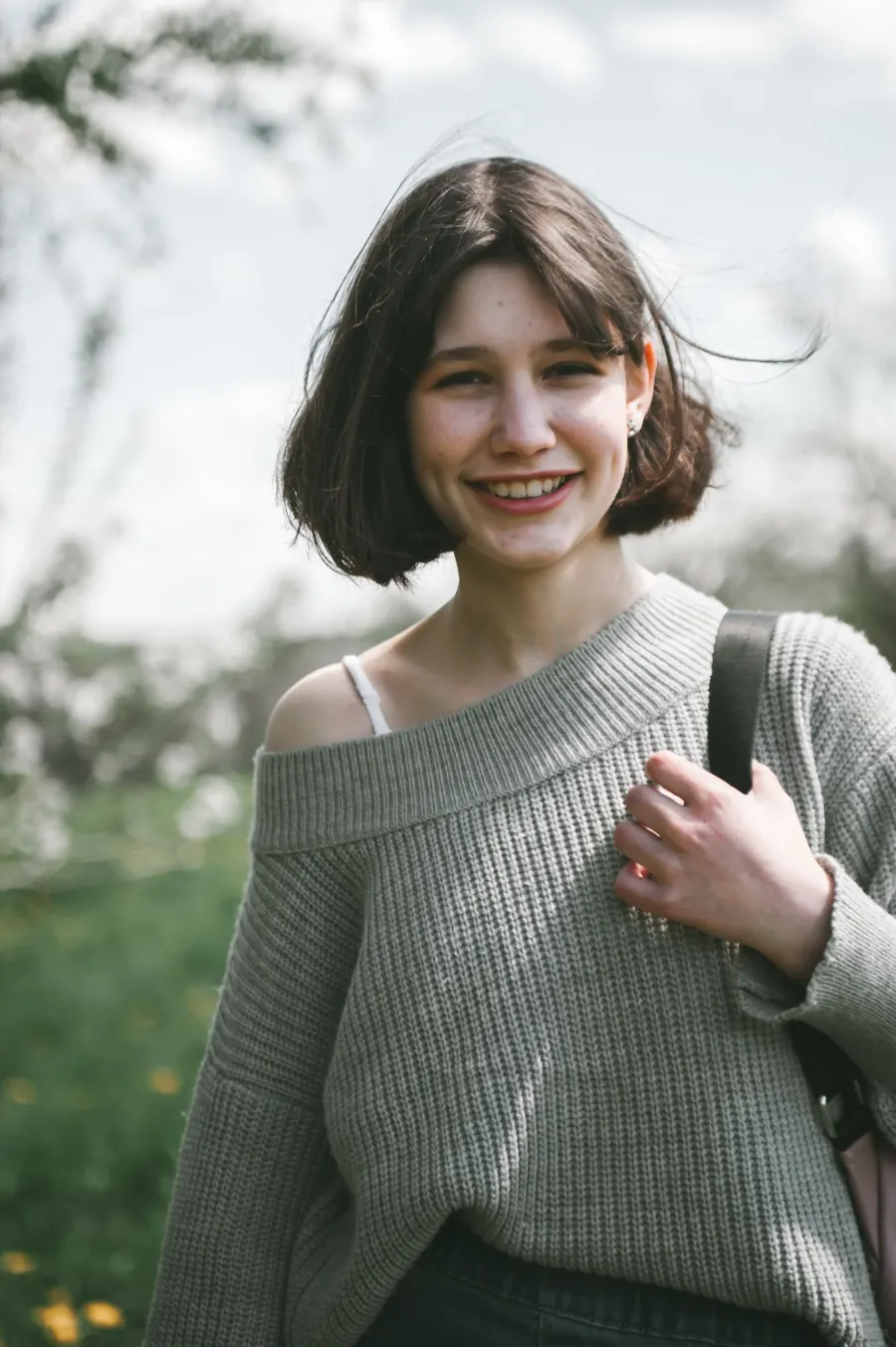
Right performer
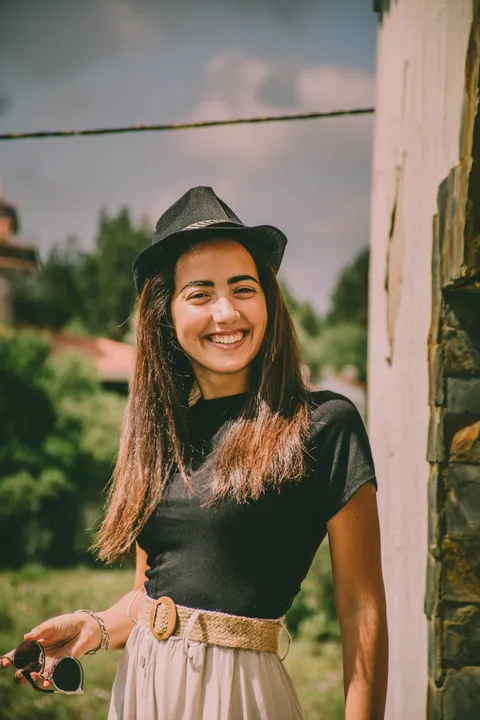
Left performer
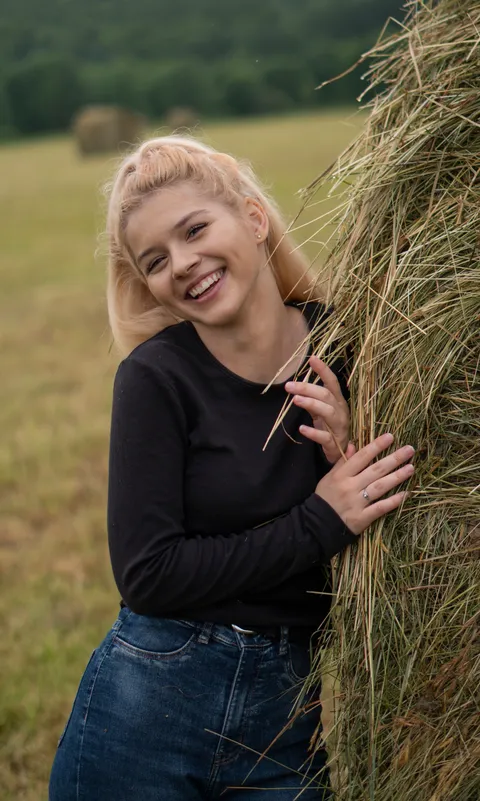
Right performer
How to make a Hotel Lobby AI video
The scene and performance reference are already selected. You only need the two photos.
- 01
Choose your two performers
Upload a clear photo for the left performer and another for the right. Swap the photos if you want to change their positions.
- 02
Check the credits and generate
Sign in, review the credit cost and create a 10-second landscape video at 768P. The same settings apply to every generation.
- 03
Preview and download
Check both identities, movement and sound throughout the video. Download the MP4 when it is ready; you can also reopen the task from your history.
What is the Hotel Lobby AI trend?
Hotel Lobby AI is a video trend inspired by Quavo and Takeoff’s COLORS performance of “Hotel Lobby”: two performers, an orange studio and one hanging microphone. Creators replace the duo with friends, partners or imaginative characters.
Here, MiniMax H3 uses your two photos and a preset performance reference to generate a new clip. It is a reference-guided recreation: identities, gestures, lip-sync and audio can vary. It is not a hotel interior design tool.
Hotel Lobby AI prompt: what guides the scene
The generator supplies these instructions for you. Clear side assignments help keep the two people distinct.
Use reference image 1 for the LEFT performer and reference image 2 for the RIGHT performer. Follow the reference performance in the orange studio with the hanging microphone. Keep each person on the same side with their own face, hair and outfit. Use independent rap gestures and reactions, a fixed camera and consistent framing. Avoid face blending, extra people and scene changes. Review audio and lip-sync in the output.
Get a clearer duo performance
- Faces blend or change sides
- Use one person per photo with an unobstructed face. Check the left and right previews before generating; avoid crowded group photos.
- The outfit does not match
- A headshot cannot show the full outfit. Use a well-lit half-body or full-body photo with the clothing you want to carry into the scene.
- The sound or mouth movements differ
- The model generates audio with the video. Original music and exact lip-sync are not guaranteed; review the complete clip before sharing.
Hotel Lobby AI: questions answered
Do I need two photos?
Yes. This generator requires one image for the left performer and one for the right. Each image should show a single clear subject.
Is Hotel Lobby AI free?
Examples are free to watch. Generating a video uses the site credits shown above the button. There is no separate subscription for this tool.
Which model and settings does this use?
MiniMax H3 generates a 10-second, 768P, 16:9 video from two reference photos and a preset performance clip.
Does it preserve the original song and choreography?
The reference guides the performance, and the model produces a video with audio. Exact choreography, the original recording and perfect lip-sync are not guaranteed.
What happens if generation fails?
A task confirmed as failed returns its site credits automatically. A temporary connection or storage problem does not start another paid generation. Check your history if a submission response is interrupted.
Can I close the page while it generates?
Your submitted task is saved to your account. Background processing checks the result and transfers it to storage. Return using the same account to resume; your history also lists the task.
Can I use pets or custom characters?
You can try clear images of pets or original characters. Identity and body movement may be less predictable than with human portraits, so inspect the result carefully.
Keep creating
Explore more video tools
Try another performance, browse prompts or check your credits.
Bulin 47 AI Video Workflow
Bring a character photo and reference clip; explore the freestyle guide and prompt.
Seedance 2.5 Prompt Library
Use prompt patterns for 30-second scenes, product reveals, reference-led clips, and local edits.
Seedance Pricing
Choose a plan based on output volume, iteration pace, and commercial usage.
Who is your Hotel Lobby duo?
Choose two photos and give the orange studio your own look.
Upload two photosUse photos you have permission to use. This tool is not affiliated with the artists or COLORS. Terms of service